
Towns County Civil Docket Searches
A Towns County Superior civil docket search begins online. The Georgia Courts E-Access directory leads to PeachCourt. A free account is needed to get in. When you have a summons, pleading, notice, or order in hand, copy the case number exactly. Towns County publishes no sample civil case-number format. Keep every character and separator just as the source record shows it.
Name searches often pull up more than one civil matter. Before opening "View Case Docket," check the county, the court, the caption, the filing date, and the case type. A case that fails to appear may sit in Magistrate or Probate Court. It may be older or unindexed, or may be restricted. Keep the two counters straight, too. Eric Barrett's Superior Court office and David Rogers's Probate/Magistrate office keep separate records.
- Select Cases, Towns County, and Towns Superior in PeachCourt.
- Enter the exact civil case number or the party name as filed.
- Match the court, filing date, case type, and caption.
- Open the docket and read service, pleadings, motions, settings, orders, and disposition in sequence.
- Compare the newest setting with the latest signed notice or scheduling order.
- Ask the appropriate clerk for an unindexed file, image, plain copy, or certified copy.
Both offices sit at 48 River Street in Hiawassee. The Superior counter is in Suite E. You can reach it at 706-896-2130 on weekdays from 8:30 a.m. to 4:30 p.m. The Probate/Magistrate office occupies Suite C at the same street address. It answers at 706-896-3467. Renovation notices have named a temporary facility, so verify the current location before you go.
Towns Superior and Magistrate Civil Dockets
Major civil cases and domestic relations belong to the Superior Court of Towns County. Anything not assigned elsewhere lands there too. Magistrate Court takes civil claims up to the $15,000 jurisdiction that Georgia Courts describes. Dispossessory proceedings go there as well. Probate Court holds estates, wills, guardianship, and related probate files. Hiawassee Municipal Court is not the general civil docket.
| Court | Civil record scope | Search or request route |
|---|---|---|
| Towns Superior | Major civil, domestic relations, and general civil proceedings | PeachCourt or the Superior clerk |
| Magistrate Court | Claims within the $15,000 limit and dispossessory matters | Probate/Magistrate counter or phone |
| Probate Court | Estates, wills, guardianships, and related proceedings | Probate/Magistrate office |
| Hiawassee Municipal | City ordinances and traffic, not general civil litigation | City court route when relevant |
Related disputes can carry separate case numbers in separate venues. A Magistrate claim stays out of the Superior docket even when the same parties have another Superior matter. Search both only if the clerk or the filed papers show both cases exist.
Civil Dockets: What They Show
Think of a Towns County civil docket as the case's chronological index. An entry can show that a complaint, answer, motion, or order was filed. It does not show the document itself. Caption and role labels tell you who is plaintiff and defendant, or petitioner and respondent. Names alone are a shaky match. Similar captions come up often.
| Header | Case number, court, civil case type, filing date, status, and judge if shown. |
|---|---|
| Parties | Caption and plaintiff, defendant, petitioner, or respondent roles. |
| Service | Return of service and related notice events where indexed. |
| Pleadings | Complaint or petition, answer, counterclaim, and later filings. |
| Case activity | Motions, orders, discovery, mediation, continuances, and settings. |
| Outcome | Judgment, dismissal, nonsuit, default-related event, appeal, or other disposition. |
Costs, fees, links, and restriction status may appear as well. Each label is a pointer to the court record. It is nothing more. A docket event labeled "judgment" is not necessarily the full signed judgment. Read a status word narrowly. Do not stretch it past what the entry and order support.
Towns Civil Docket Field Check
A careful civil lookup records field categories without copying needless private details. Begin with the case number and the court. From there, compare one field after another. Cover the case type, filing date, caption, party roles, attorney fields, service return, complaint or petition, answer, counterclaim, motions, orders, discovery or mediation events, trial setting, judgment, appeal, costs, and restriction status.
Towns County publishes no official abbreviation legend. Plain-English explanations exist for terms like motion, order, continuance, dismissal, and default judgment. Decode an abbreviation only after viewing the actual entry. A dismissal can leave the full civil docket history visible unless access is restricted.
- Default judgment
- A judgment tied to a failure to respond or appear, subject to the signed court order.
- Nonsuit
- A procedural end to a claim whose scope must be read from the record.
- Continuance
- A hearing or trial setting moved to another date.
- Certified copy
- A clerk-authenticated record, unlike a printout of the online docket.
What Cases Fill the Civil Docket
Jurisdiction divides the Towns County civil dockets. Major general civil and domestic matters travel the Superior Court route. Magistrate Court keeps the lower-dollar civil and dispossessory docket. Probate records stay with their own court and custodian. The filed matter fixes the correct venue, not the wording of a party's dispute.
- General civil actions assigned to Superior Court
- Domestic-relations cases within Superior Court jurisdiction
- Magistrate civil claims within the stated $15,000 boundary
- Dispossessory proceedings filed in Magistrate Court
- Estate, will, and guardianship proceedings kept by Probate Court
County-hosted Statement of Claim and dispossessory forms show that local Magistrate filing routes exist. The pages post no current fee, service fee, response deadline, payment method, or online-submission process. Call 706-896-3467 to confirm each requirement before filing.
Towns Civil E-Filing Fields
Georgia Courts lists Towns Superior as mandatory PeachCourt e-filing. Official PeachCourt help walks a civil filing through choosing the county and court. It also covers entering case details and party information, attaching a PDF, handling payment, and waiting for an accepted or rejected notice. Those controls exist for authorized filing only. A public searcher gets no permission to alter a Towns County civil docket.
A filing can show up by title and date even when the image is not free or public. PeachCourt charges $0.50 per page plus a small convenience fee for available images. Historical coverage is not guaranteed for each court. When a record seems old, restricted, or missing, call the clerk. A no-result screen is not proof that no filing exists.
Hearings on the Civil Docket
On a Towns County civil docket, expect to see mediation, status, motion, pretrial, or trial settings. The court publishes no separate daily civil calendar. Confirm any setting through three stops. Use the online docket, the newest signed notice or order, and the court office itself. One caution matters here. A government meeting held in a courtroom is not a court-case calendar.
Scheduling orders often stack several deadlines at once. A continuance or reset can leave the old date sitting in the docket history. A new event may sit right beside it. Read the newest entry first, then the signed document when one exists. If the courtroom, time, judge, or setting type still is not clear, call the clerk. The county's full court schedule reference walks through this same date-check process for every venue.
Current-date check: A listed setting is not proof that the hearing occurred or remains active. Confirm the latest signed notice and clerk record.
Towns Civil Copies and Certification
Know what you are asking for before you pay. A docket view, a document image, and a certified court record are three different products. PeachCourt gives you the searchable register and, where offered, paid images of filings. The Superior clerk can issue plain or certified copies under its own procedure. For digital certified Towns Superior documents, GSCCCA eCertification is another verified route: the GSCCCA eCertification portal takes a county and document request, payment authorization, and later authentication-code verification.
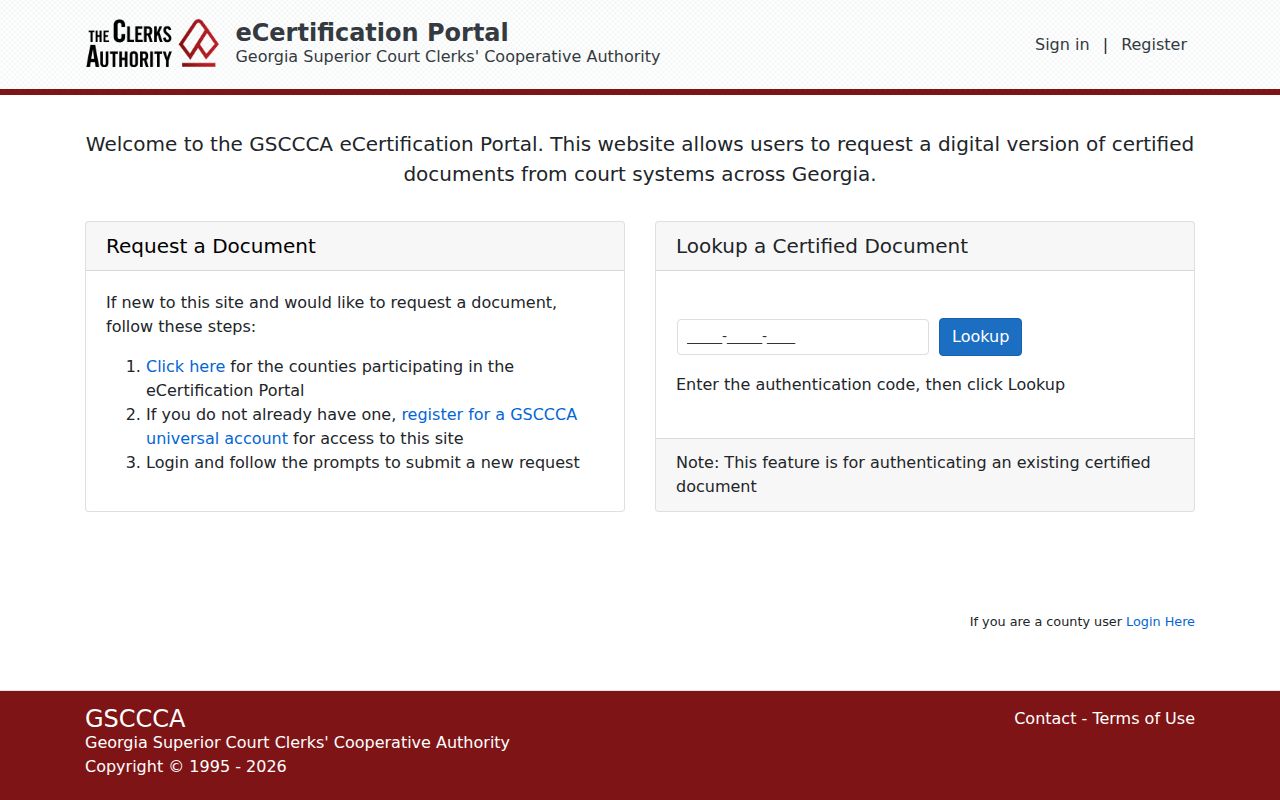
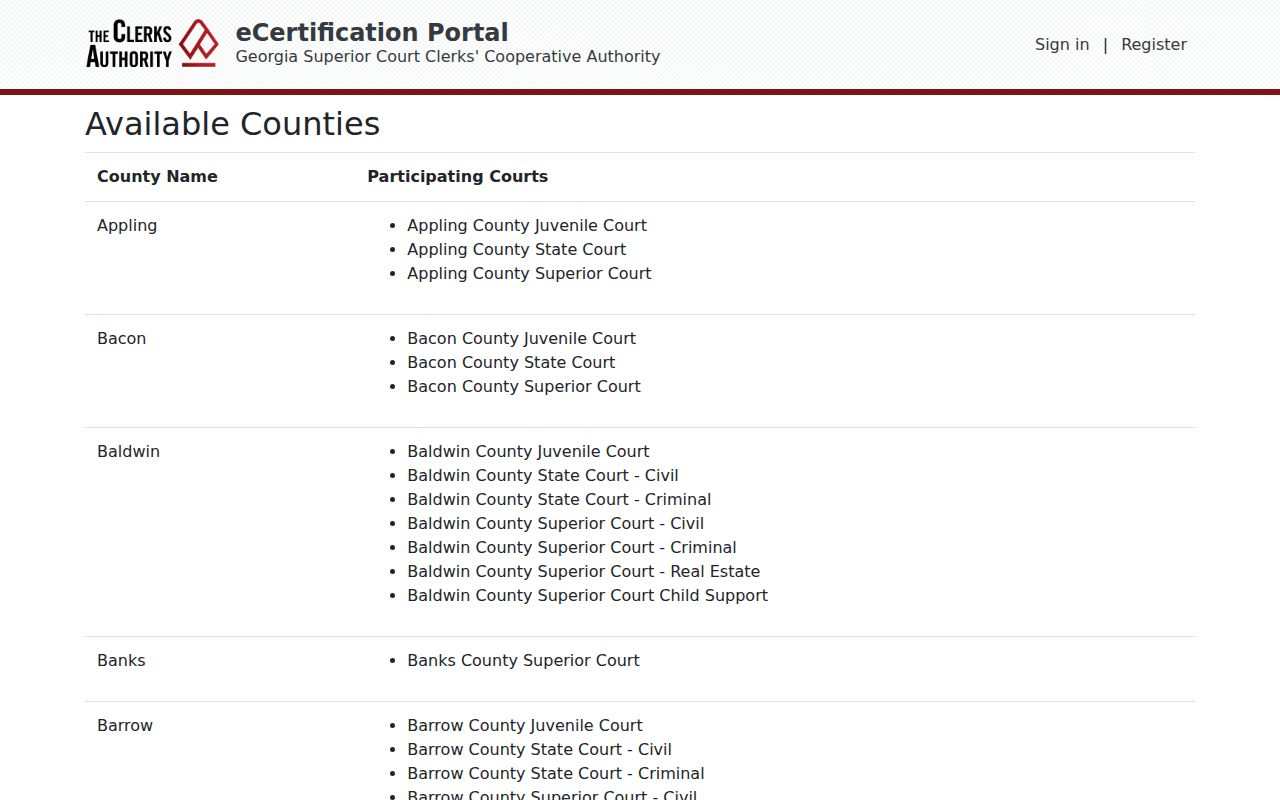
What the portal returns is an authenticated product, not a printout of a Towns County civil docket screen. The official participating-counties list shows Towns Superior among the courts it serves.
Towns County publishes no certification charge, plain-copy fee, mail instructions, identification rule, or turnaround time. So ask about current cost and method before sending payment. A mailed request should name the court, give the case number if known, describe the document, state plain or certified status, and include delivery and callback details.
Towns Civil Docket Search Pitfalls
A civil name search in Towns County can return several similar captions. Sort them by case number, court, filing date, and type. Read entries with care. A judgment entry may not spell out the judgment's terms. A dismissed matter can still keep its public history. A default or nonsuit is a procedural result whose scope depends on the order. These distinctions keep a short status label from being read as more than the court recorded.
The county's generic clerk contact form asks only for a name, email, subject, and message. It has no case-number field, upload control, fee field, or certification choice. Use it to ask where a request belongs; it is not a filing portal. Put the court, case number, and exact document in the message. Check the clerk's current instructions first.
When a related claim will not appear, check the venue before touching the case number. Towns County holds Probate, Magistrate, and Superior civil records through different channels.
Who Can See Civil Dockets
Uniform Superior Court Rule 21 is the main public-access rule for a Towns County Superior civil docket. Rule 21.6 governs protected identifiers and redaction. Access can still be trimmed. A court order, statute, juvenile rule, adoption rule, or other limit may produce a partial result, a redacted filing, a restricted status, or a document title with no image.
Access distinction:
Georgia courts are not subject to the Georgia Open Records Act like ordinary agencies, according to the Attorney General's official FAQ.
Ordinary civil court-file requests go to the proper clerk under court access and copy procedures.
A blank or incomplete result does not prove that a Towns County civil case never existed.
O.C.G.A. §9-11-7.1 covers protected identifiers in civil filings. Judicial restriction procedures can limit other material. If a record is withheld, ask which rule, statute, or order applies. Ask whether a redacted copy exists too. Say whether you want the docket, one filed paper, a transcript, a plain copy, or a certified copy. The Georgia Open Records Act's ordinary agency-response framework cannot be promised for a clerk-held court file. For Superior civil records, contact Eric Barrett's office. The Probate/Magistrate office handles those lower-court files.